Everything IsTyping does, in plain words.
What each feature does and where its limits are. Which features you get depends on your plan — the pricing page lists them.
A shared inbox that keeps a busy team in step
Chat, email and messaging conversations in one realtime list. You see what visitors type before they send it, and who else is on the same conversation.
- Views: open, unassigned, mine, mentions, snoozed, resolved, plus saved views.
- Organise: tags, departments with round-robin, routing rules, snooze.
- Collaborate: private notes with @mentions; “also viewing / typing” markers.
- Reply faster: canned replies with
/, files, GIFs, voice messages, read receipts.
A chat widget for any site, in any language
One script tag. 36 languages — Arabic, Hebrew and Persian laid out right-to-left — in light, dark or automatic themes.
- Picks the visitor’s language or the one you set; welcome and away texts translate per language.
- Files, emoji, voice messages, ratings, and an email prompt when nobody is online.
- A closed shadow DOM: your site’s CSS cannot reach it.
- A JavaScript SDK to identify signed-in customers (verified with a signature), pass plan details and open the chat.
See the visitor’s page — only with their say-so
Start from a live chat. The widget streams the visitor’s page (not their screen, not other tabs) to the agent who asked.
- Consent: the visitor is asked first by default; a “Stop sharing” bar stays visible.
- Masking: passwords always; every input if an admin chooses. The widget is never recorded.
- Point: a labelled cursor and click ripple on the visitor’s page.
- Remote control (optional): off by default, always asks, ends on the visitor’s first key or click, never touches passwords or payment fields.
A help center customers can search from the chat
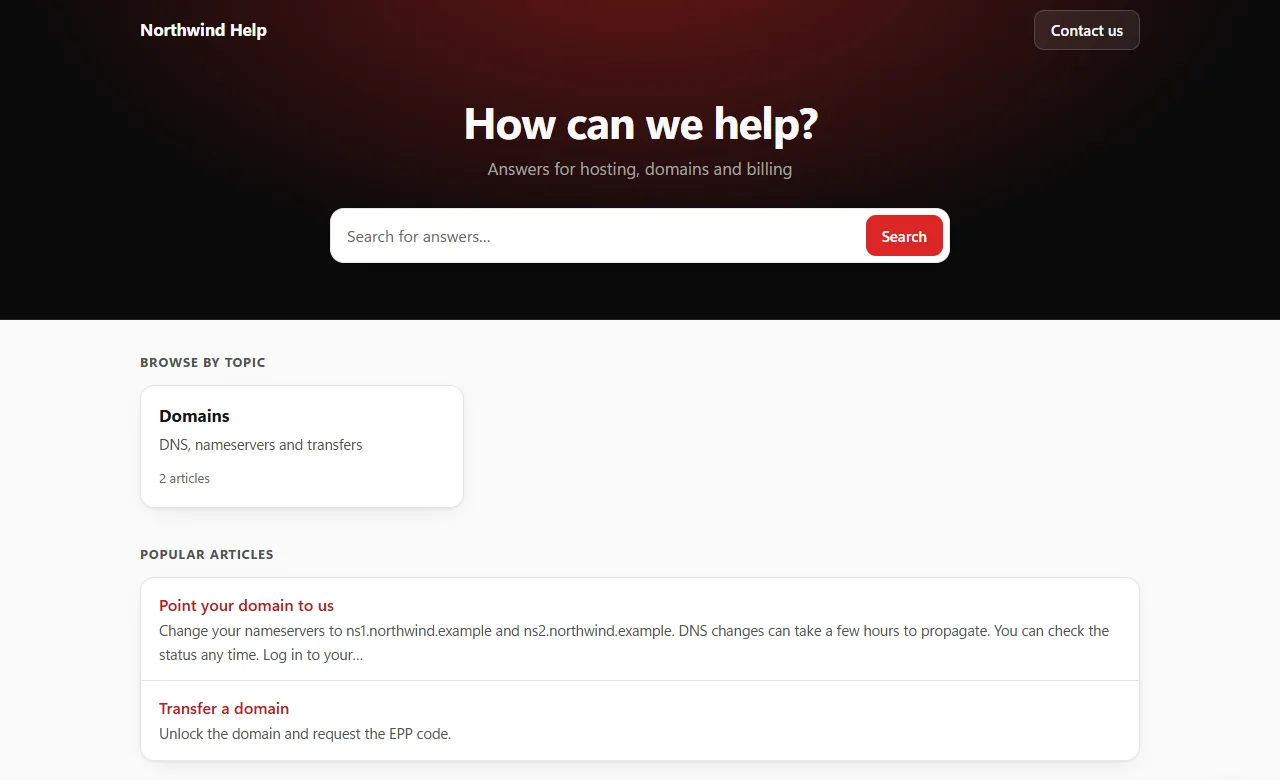
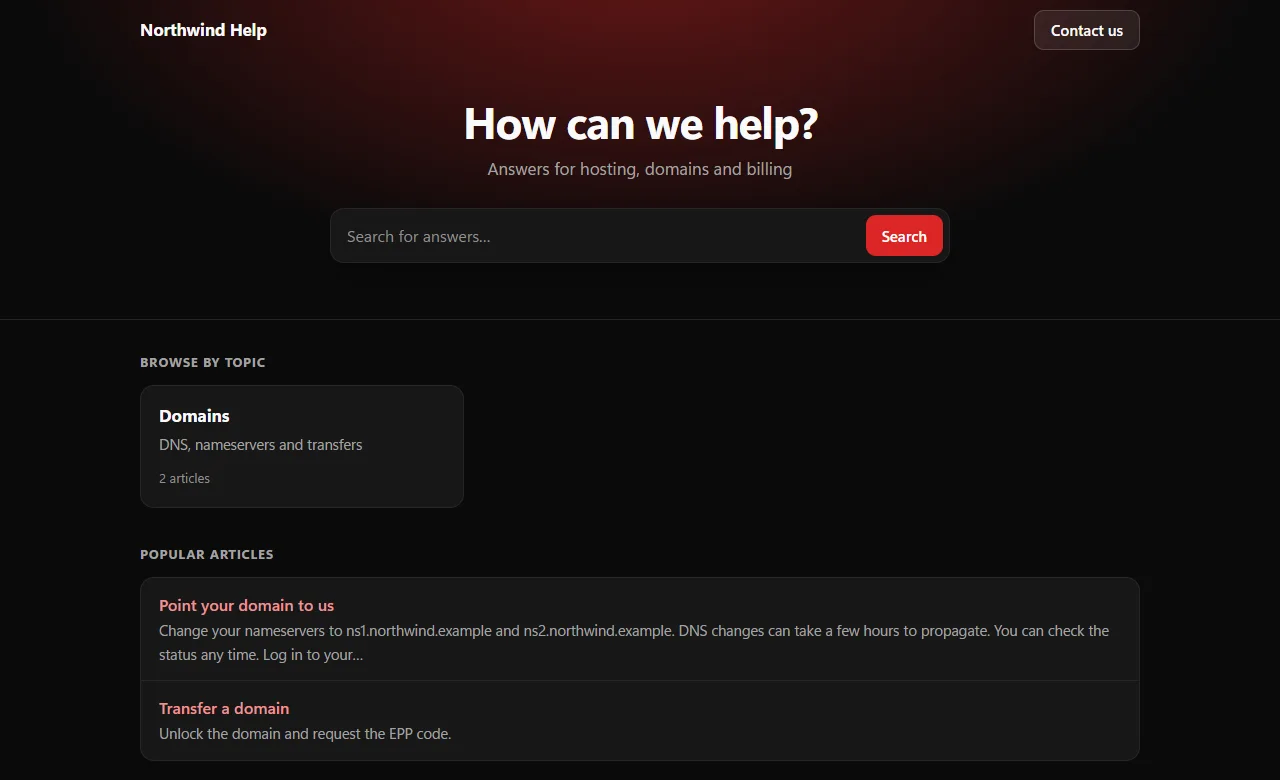
Articles in categories, a public site with search, and the same articles inside the widget.
- Draft and publish; see views and “was this helpful?” feedback.
- Visitors search and read articles in the widget without leaving the page.
- Agents insert article links into replies from the composer.
- Serve it on your own domain, verified by DNS, with an automatic certificate.
AI that helps your team and stays within bounds
Off until an admin turns it on. It uses Anthropic’s Claude models; an API key you add is stored encrypted, and each website has a monthly budget.
- For agents: suggested replies, rewrite, summarise, translate — the result goes to the agent to edit.
- Answer bot (optional, live chat only): reads only your instructions, your published articles and the current conversation.
- It hands over to a person when it cannot help, and stops as soon as a person replies.
- Its replies are checked before they are sent and marked as automated.
Automate the routine, hand the rest to a person
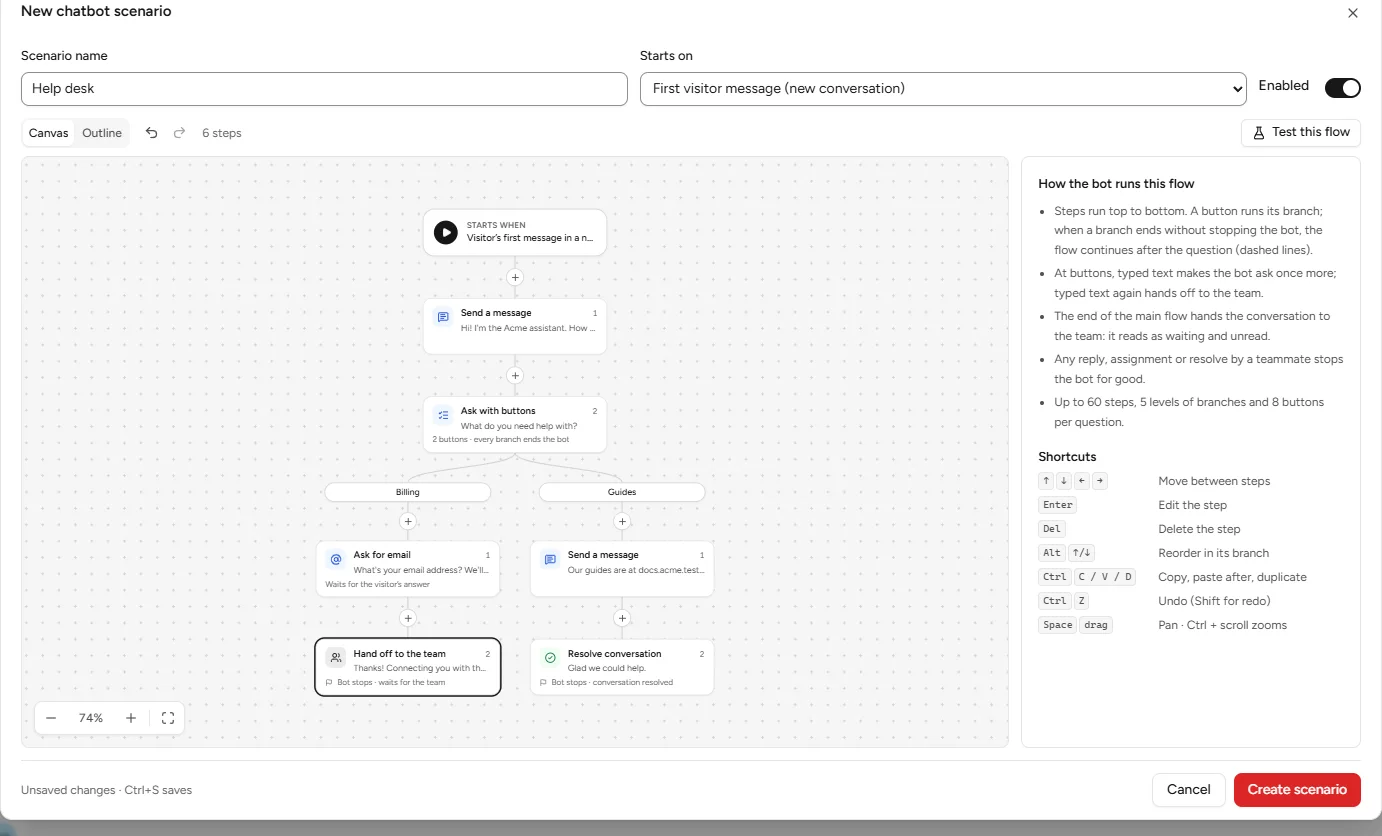
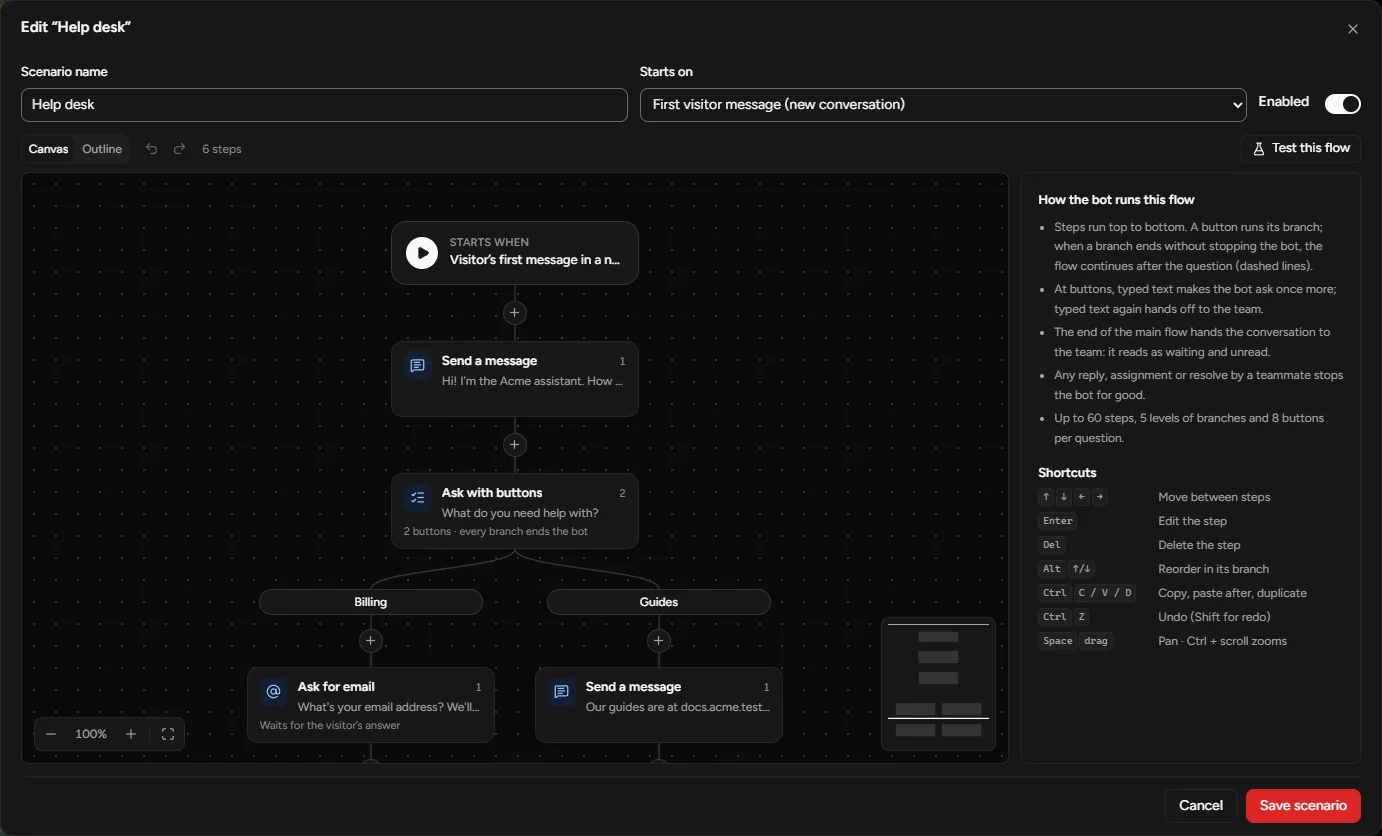
Proactive messages, chatbot flows on a visual canvas, routing rules and auto-replies. Automated messages are clearly marked, and a person always wins.
- Triggers by page, time on page or site, visit count, device, referrer or segment, with frequency caps.
- Bot builder: messages, buttons, collect an email or answer, set a segment, assign, hand off, test mode.
- Routing rules by segment, page or verified identity.
- Humans win: once an agent replies or takes over, the bot stops for good.
Telegram, SMS, WhatsApp, Messenger and Instagram in the same inbox
Connect your own accounts with these providers. Conversations land next to your chats, and agents answer from the same composer.
- Telegram conversations in the shared inbox
- SMS conversations in the shared inbox
- WhatsApp conversations in the shared inbox
- Messenger conversations in the shared inbox
- Instagram conversations in the shared inbox
You use your own bot, Twilio account or business profile; each provider’s own fees and rules apply.
ChannelsYour support mailbox, in the same inbox
Connect a mailbox and emails become threaded conversations next to your chats. Reply from the inbox; your customer gets a normal email.
- Incoming by IMAP or an inbound webhook; replies through your SMTP server.
- Campaigns to your contacts at a steady pace, with one-click unsubscribe — sent from your own domain after adding a few DNS records, or through your own mail server.
- Sequences: follow-ups with waits and sending windows.
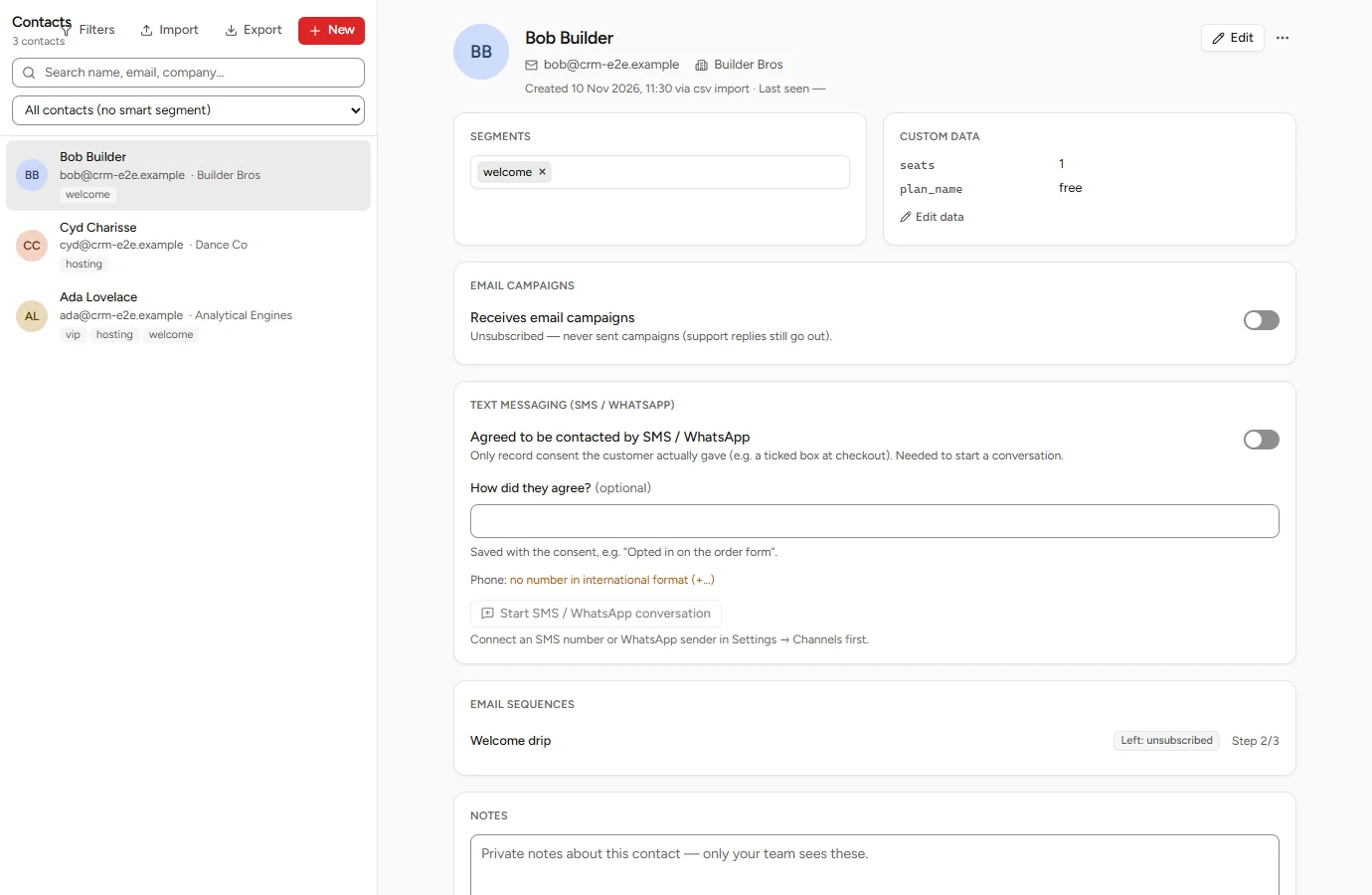
- Unsubscribed contacts are never emailed by a campaign or sequence.
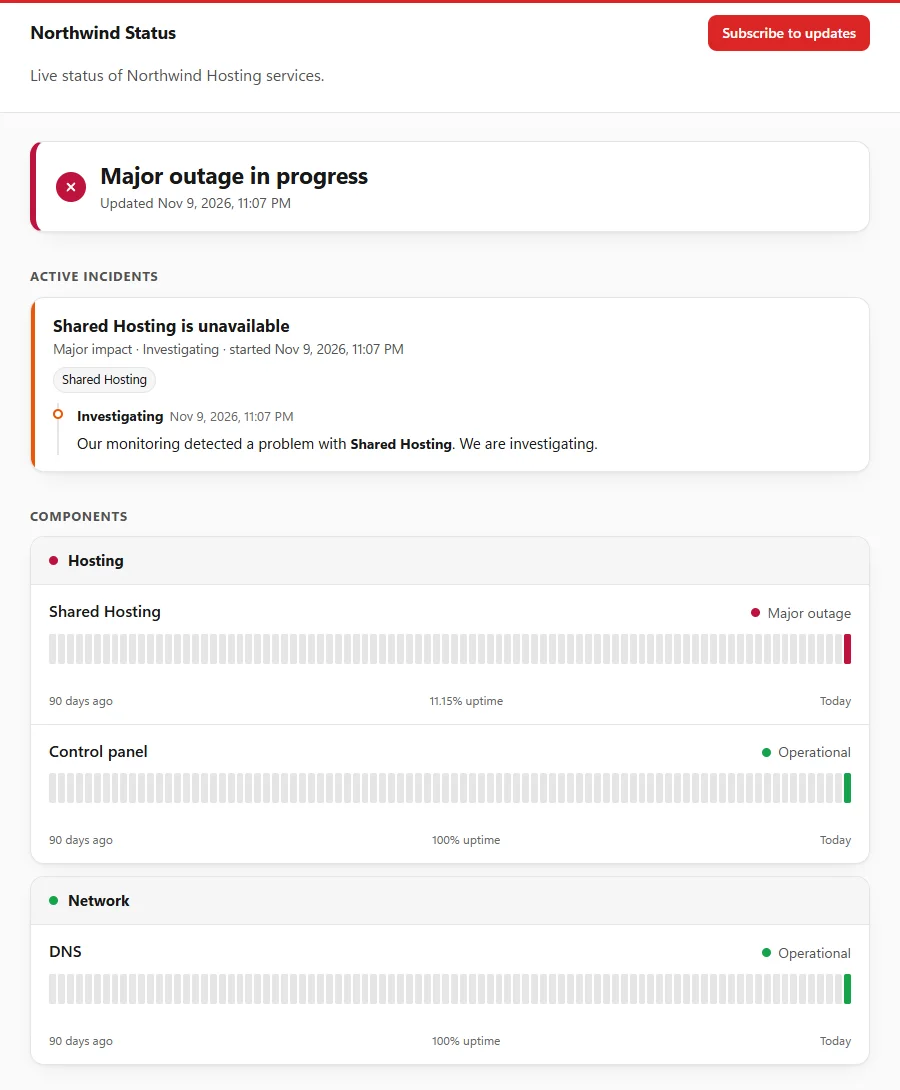
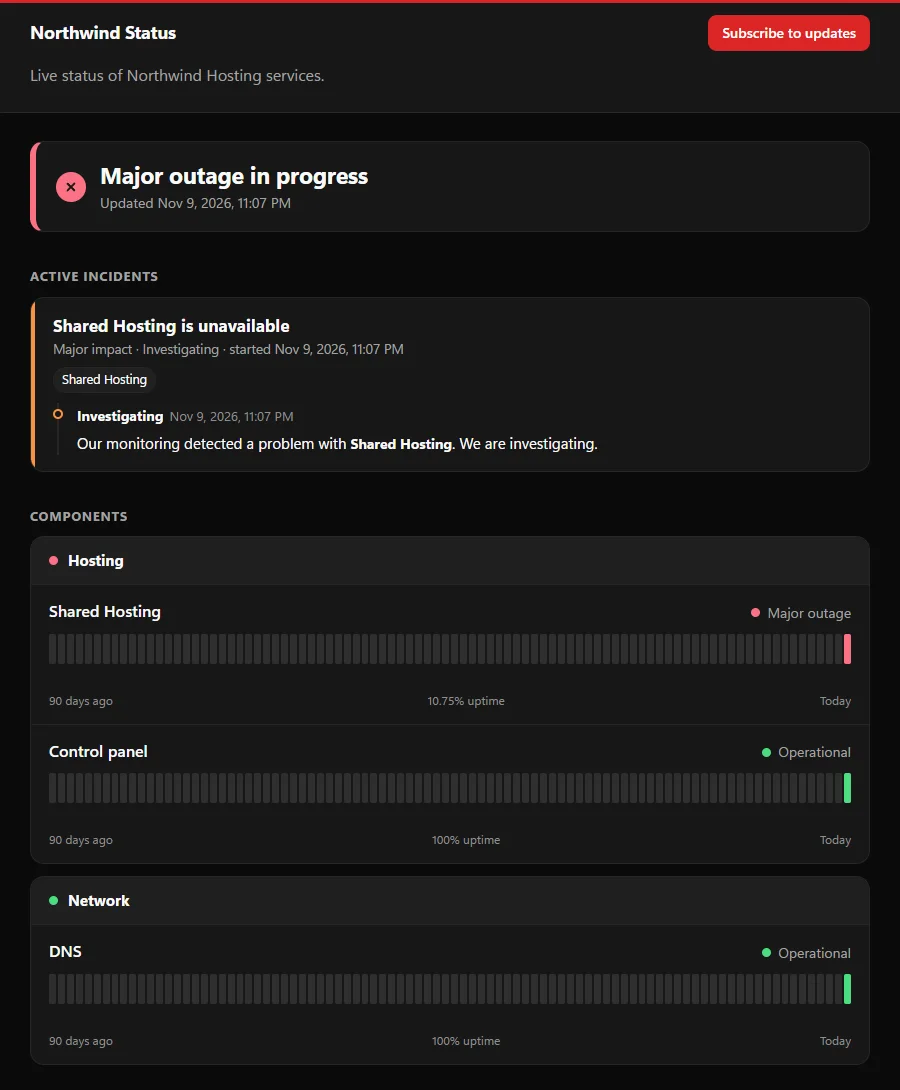
Tell customers about an outage before they ask
Monitors, incidents and maintenance on a public status page — and a banner inside the chat widget while something is wrong.
- HTTP(S) and TCP monitors, every 30 seconds to every hour, that can open an incident on their own.
- Incidents with updates, scheduled maintenance, history and an Atom feed.
- Email subscribers, and your own domain if you want one.
How fast you answer, and how it went
Volume, first-response and resolution times, ratings and conversion, each compared with the previous period.
- Busiest hours by weekday, top pages, and a table per agent.
- Ranges up to a year; CSV export of the daily figures and the agent table.
- Visitors by country, from a location database on the server — no third-party lookups.
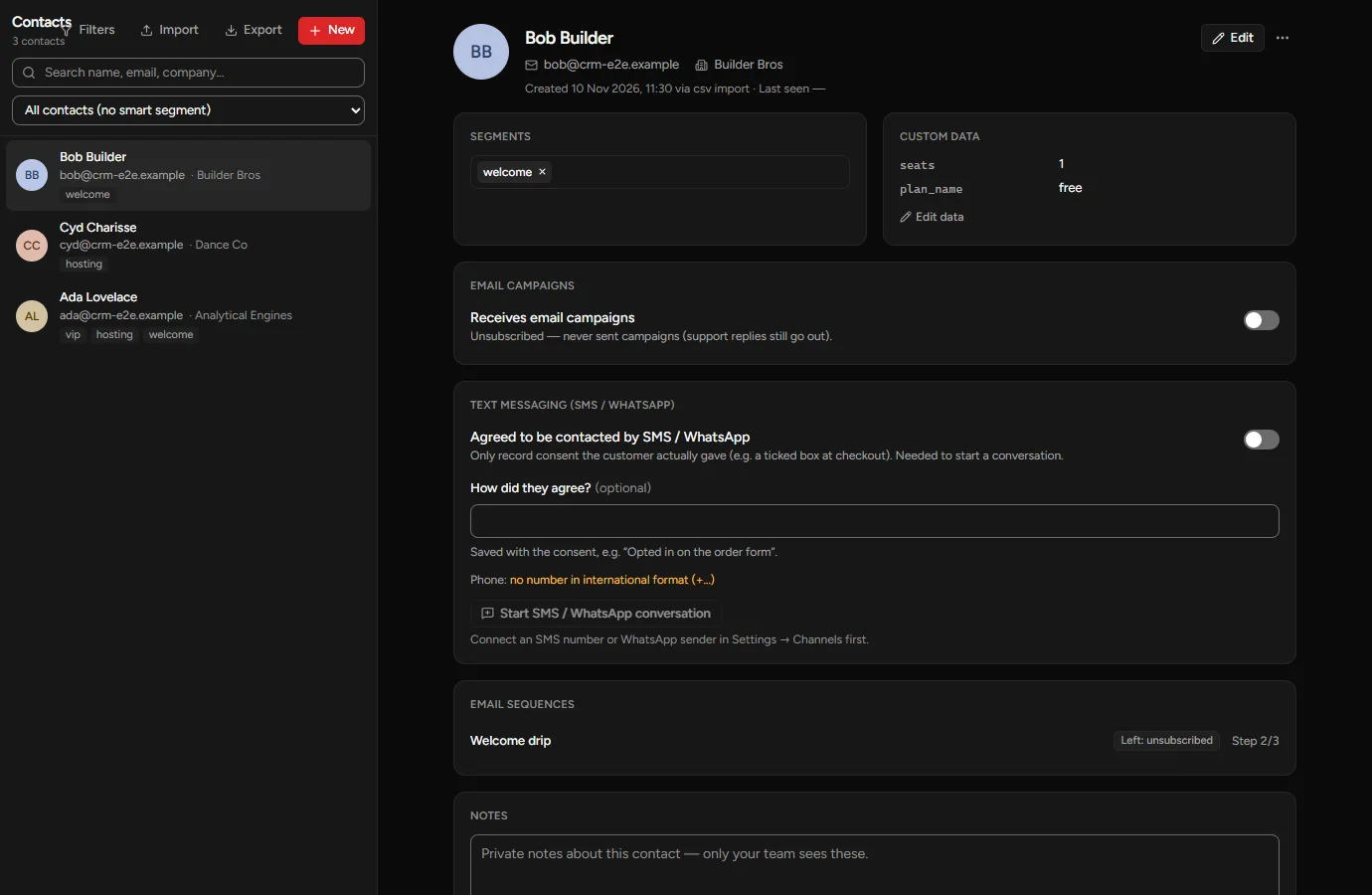
One record per customer, wherever they wrote from
Contacts are created from chat, email, imports or by hand, and linked to every conversation they have had.
- Segments, custom data, notes, and the company they work for.
- A filter builder with nested “all of / any of” conditions; save filters as smart segments.
- CSV import with a dry run (up to 50,000 rows) and CSV export.
Connect it to the rest of your stack
A REST API with tokens, signed webhooks, and an API reference generated from the running server inside the app.
- API tokens with a role ceiling (agent or admin) and an optional expiry.
- Webhooks for messages, conversations, assignments, ratings, identified visitors and erased contacts — HMAC-SHA256 signed, retried for about a day, with a delivery log.
- The widget SDK covers the browser side: identity, session data, events.
POST https://yourapp.example/hooks
X-Signature: t=1762790400,v1=4f9a…
{
  "event": "conversation.created",
  "conversation": { "channel": "whatsapp" }
}
Sign-in and access you can rely on
Two-factor authentication, single sign-on and an audit log. More on the security page.
- Two-factor sign-in with an authenticator app and recovery codes; owners can require it.
- Single sign-on with Google or any OpenID Connect provider.
- An audit log of security- and privacy-relevant actions.
Answer “what do you have on me?” in minutes
Built-in tools for access and erasure requests, retention periods and visitor notices.
- Export everything about one person as a ZIP with a readable summary.
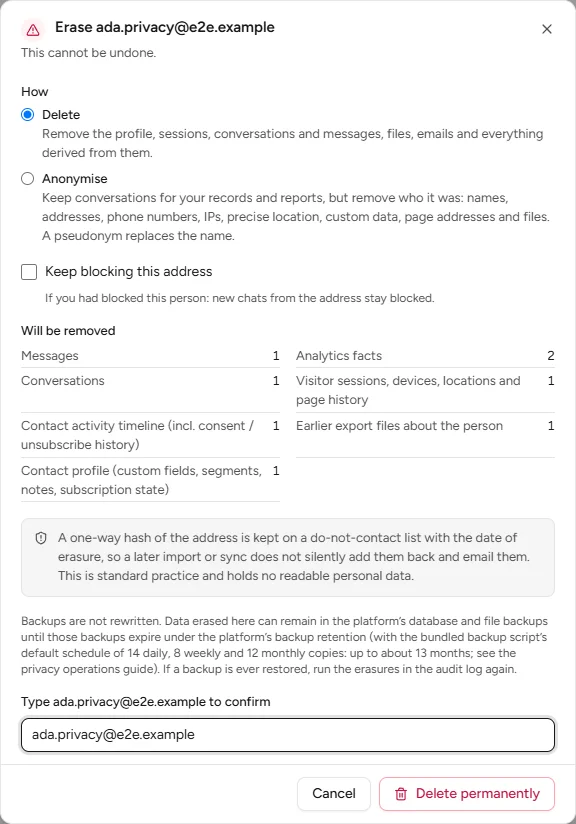
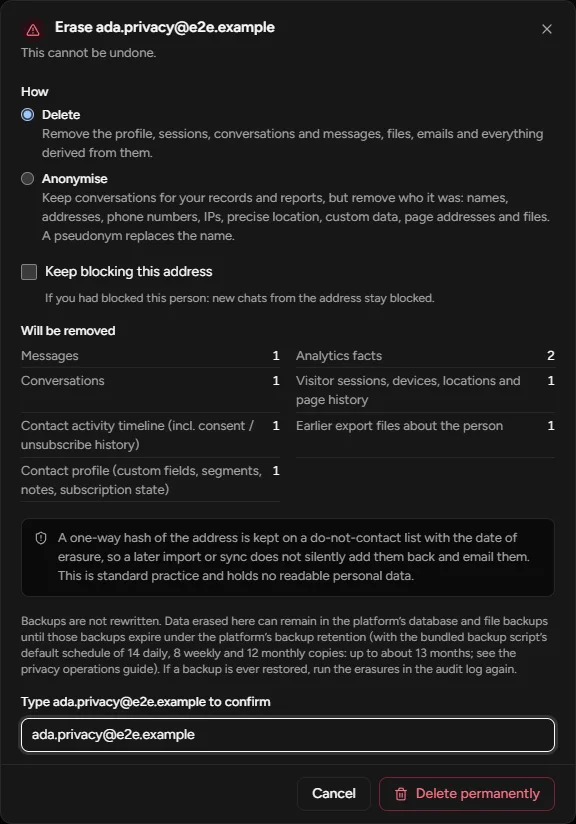
- Erase (delete or anonymise) as a background job that ends with a signed certificate — and a suppression record so an import can’t bring them back.
- Retention per kind of data, legal holds, and a notice or consent prompt in the widget.
Answer from the browser, your desktop or your phone
The inbox works in any modern browser and adapts to a phone screen.
- Install it as a web app on desktop or phone, with push notifications.
- A Windows desktop app with a tray icon, unread badges and automatic updates.
- There are no App Store or Google Play apps; on a phone, install the web app from the browser.
Bring your history with you
Importers copy your history over: clients, support tickets with every reply and internal note, and predefined replies from WHMCS — or contacts, conversations, shortcuts and help articles from Crisp, Intercom, Zendesk, Freshdesk, Help Scout or LiveChat. See the import guide for what each one brings and what to check.
- Dry run first, then import; run again with “only new data” just before you switch the snippet.
- Using WHMCS’s own tickets today? Its API is enough — no export files.
- Contacts from any other tool come in through CSV import; more importers are planned.
Try it on your own site.
Paste one script tag into your pages, invite your team, and your first conversations arrive in minutes.